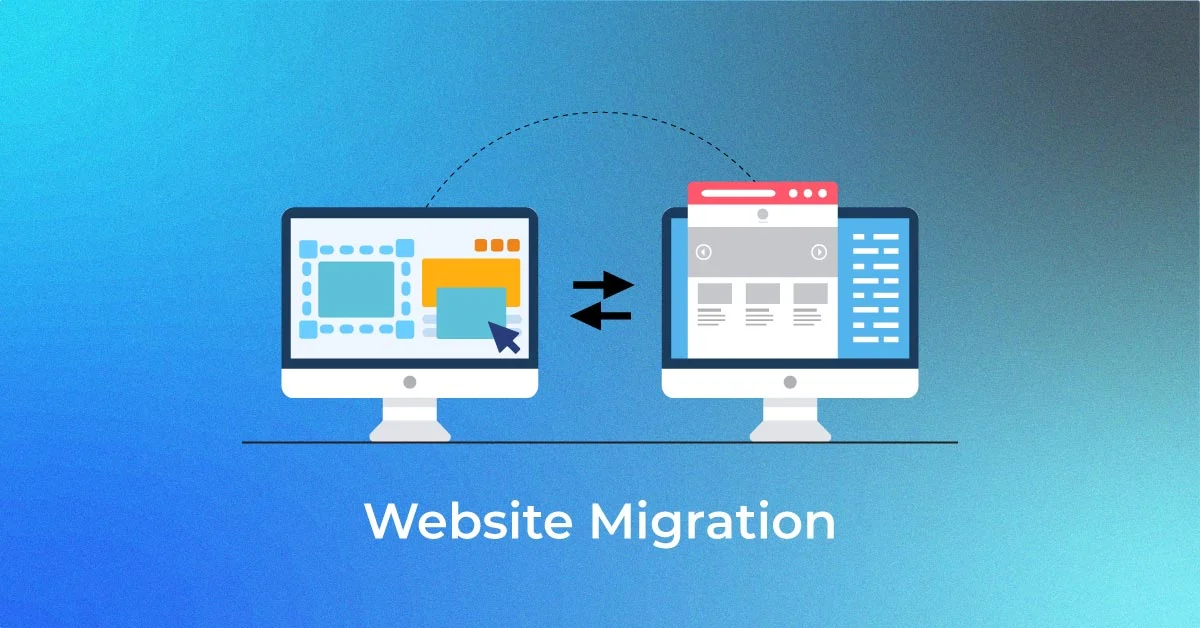
What is Website Maigration ?
Website Maigration is trasnfaring your website file to another hosting provider. If you want to chnage your domain and hosting then you need to Maigrate your full system/website.
Thare are more many want to maigarte website you can do it by plugin and many way what we can learn by youtub and social network. But we can learn how to maigrate pro way.
- Changing the site’s protocol: For instance, from http://www.sitename.com to https://www.sitename.com
- Changing the site’s domain name: For example, from sitename.com to sitename.net or sitename.com to sitenewname.com
- Changing the site’s URL path: For instance, from sitename.com/page.php?id=1 to sitename.com/blog
Website migration doesn’t mean changing your page layout and design, or making your website architecture and experience more user-friendly. This process is called site redesign.
Waht you need about website maigration?
wp-contant and sql file to maigarte your website.
- Downalod your wp-contant files and sql databse on your runugn hosting pannel. i am suing namechep so i can downlaod by name
- Also you need to download your sql databse from phpmyadmin databse pannle.
Check this video to how downalod files and sql
You can downalod my google drive file to contnue.
What more requer task to do final maigrasation?
You need to connect your domain to new hosting system ans need to fixed dns
Learn how to add sub-doamin in namechep
Now you need to uplaod your file and databse on namechep to luncg you fulls desing old loaded websote without any data loosing. It is the main part to uplaod files and databse you need to mke new databse and databse user to restore your old website without restore you can’t maigrate and it is the main part to this part.
Check this Vide How to restore databse filse and and create new databse user and database name.
Now we can learn how Maigrate your website on VPS ?
VPS is phowerfull hosutng system all big website and company host thair website on VPS to get full phower and resorcess. It give you more then 99% faster sharehosting but it manage hevvy tricky you need dome Tech knowlage to manage your website VPS.
You need to knwo about docker , Linux and more coding knwlage to manage your systen by VPS. you can make environament by VPS you van rung opensocess tools and install n8n, mautic and more difital toools by VPS.
learn basic docker and Linux to get knowlage !
Start all services
docker compose up -ddocker compose stopdocker compose downdocker compose restartdocker logs shamser
docker logs -f shamserdocker volume ls
docker volume inspect <volume_name>
docker volume prunedocker network ls
docker network create mtitbd_n8n
docker network rm mtitbd_n8nsudo rm -rf wp-content
sudo unzip wp-content.zip -ddocker compose down
docker compose up -d --buildcp /home/wp-content.zip /home/clients/clint1/unzip wp-content.zip#Download latest WordPress version
wget https://wordpress.org/latest.zipmv /home/clients/clint1/public_html/wordpress/* /home/clients/clint1/public_html/docker exec -it mautic-db mariadb -u root -p-- 1. Create the new database
CREATE DATABASE mtitbd;
-- 2. Create the new user with your password
CREATE USER 'mtitbd'@'%' IDENTIFIED BY 'Newmtpass5678';
-- 3. Grant the user full access to the new database
GRANT ALL PRIVILEGES ON mtitbd.* TO 'mtitbd'@'%';
-- 4. Apply the changes and exit
FLUSH PRIVILEGES;
EXIT;docker exec -i mautic-db mariadb -u mtitbd -pNewmtpass5678 mtitbd -e "
UPDATE wp_options SET option_value = 'https://mtshamser.com' WHERE option_name IN ('siteurl', 'home');"#Back up the Database:
docker exec mautic-db mariadb-dump -u shamser -pmtNewpass12345 shamser > ~/shamser/shamser_db_$(date +%F).sql#Back up the wp-content Folder:
sudo tar -cvzf ~/shamser/wp-content_$(date +%F).tar.gz -C /var/lib/docker/volumes/shamser_shamser_data/_data wp-contentHere is most common comments to manage wordpress website backup restore to vps.